Take the library to the location, on your phone and desktop
Standing in the driveway with the owner is when you need the photos and the number. Mac, Windows, iPhone, iPad and Android, one account, signed in everywhere.
Free on every plan.
 LocoBasebeta
 Locations6 found
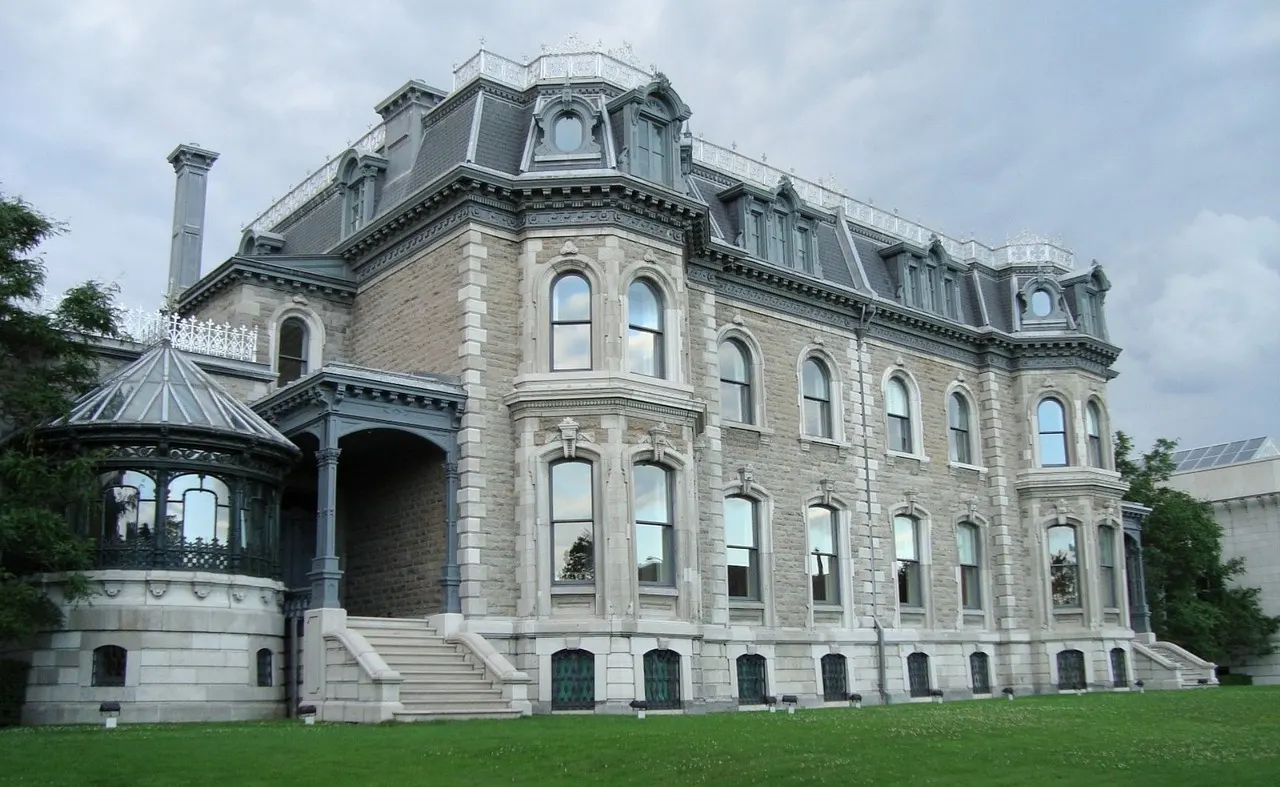 $4,500/dayFinal
Larchmont Victorian
Nyack, NY
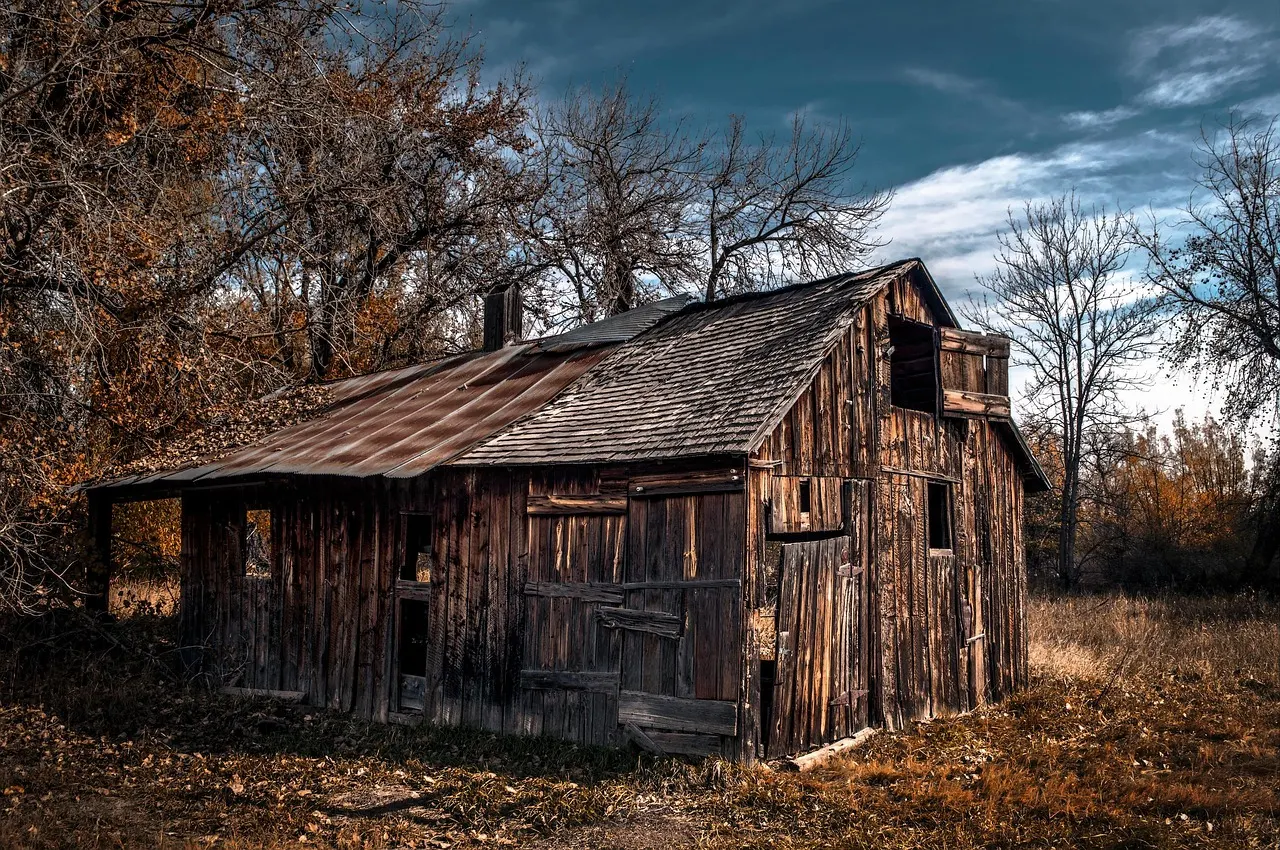 $3,200/day
Stillwater Farmhouse
Chester, NJ
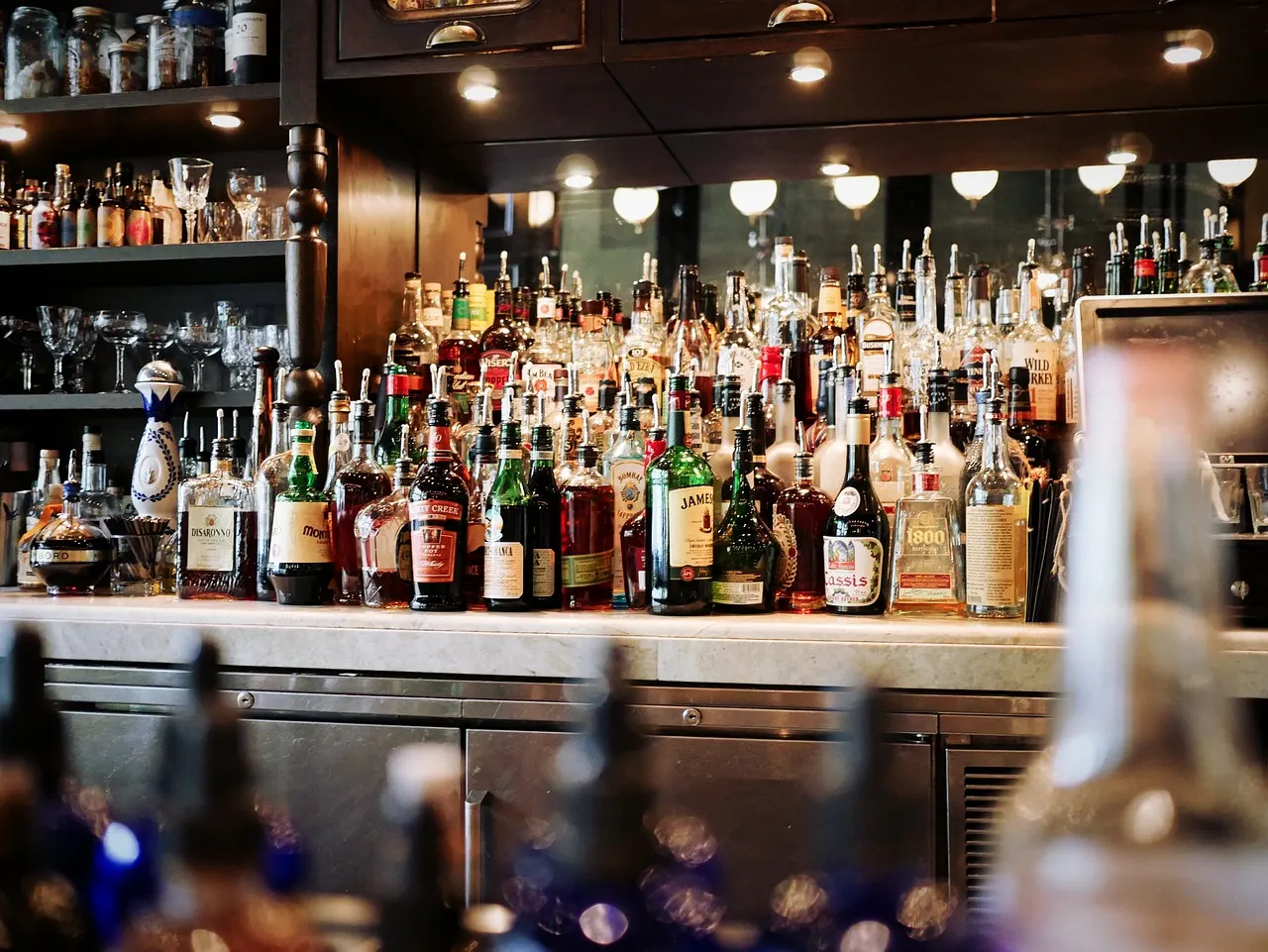 $6,000/dayFinal
Halsey Street Tavern
Newark, NJ
 $5,500/day
Kearny Point Bay 4
Kearny, NJ
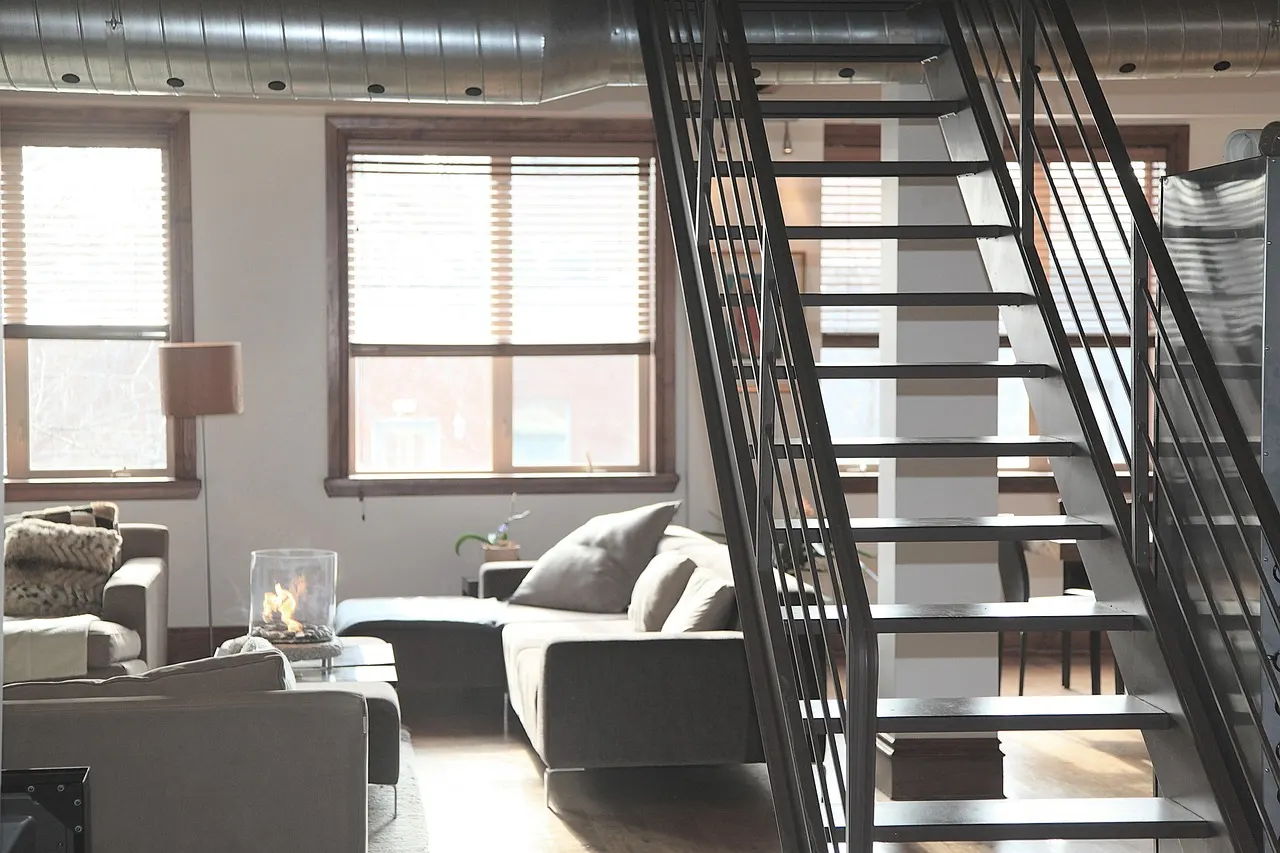 $3,800/day
Grand Street Loft
Jersey City, NJ
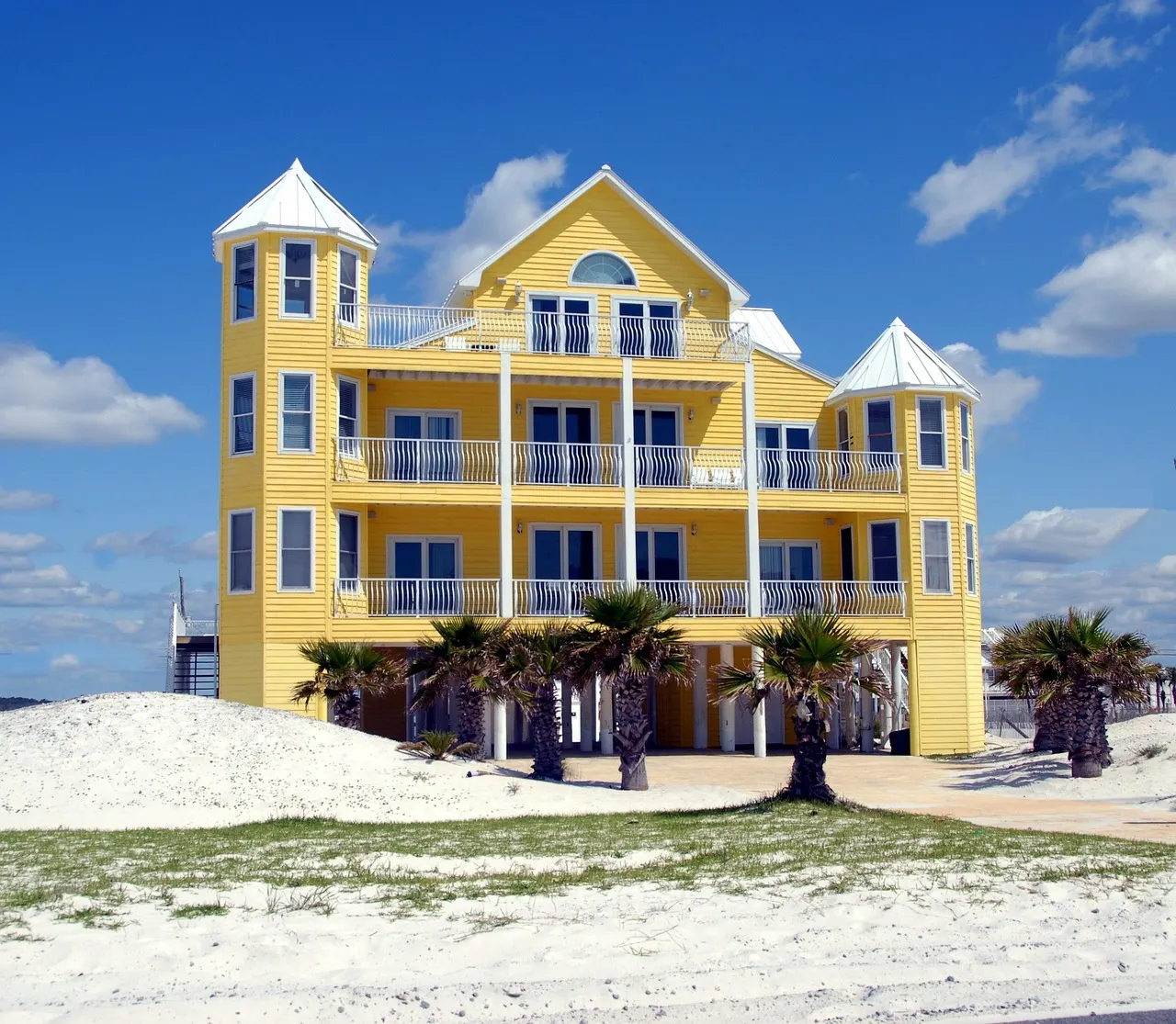 $9,000/day
Sea Bright Modern
Sea Bright, NJ
Three taps and it lives on your home screen
Mac and Windows
Chrome or Edge
- 1Open locobase.io in Chrome or Edge and sign in.
- 2Click in the address bar.
- 3It gets a dock or taskbar icon and its own window, without tabs.
Safari on Mac: File → Add to Dock. Firefox runs it in a tab.
iPhone and iPad
Safari
- 1Open locobase.io in Safari and sign in.
- 2Tap Share, then Add to Home Screen.
- 3Tap Add. The icon lands next to your other apps.
Opens full screen, no browser bar.
Android
Chrome
- 1Open locobase.io in Chrome and sign in.
- 2Tap then Install app.
- 3Confirm. It opens like any other app, with its own window.
Samsung Internet and Edge on Android offer the same under Add page to.
Locations6 found$4,500/dayFinalLarchmont Victorian
Nyack, NY
$3,200/dayStillwater Farmhouse
Chester, NJ
$6,000/dayFinalHalsey Street Tavern
Newark, NJ
$5,500/dayKearny Point Bay 4
Kearny, NJ
$3,800/dayGrand Street Loft
Jersey City, NJ
$9,000/daySea Bright Modern
Sea Bright, NJ
Your whole library, at the gate
Every place you have ever scouted, the photos and the owner's number, on the phone in your hand.
Scout day6 foundLarchmont Victorian
Nyack, NY
Halsey Street Tavern
Newark, NJ
Stillwater Farmhouse
Chester, NJ
Kearny Point Bay 4
Kearny, NJ
The day's route, in your pocket
Stops in order with the drive between them. Hand the phone to the driver.