
The walkthrough runs about 22 minutes and covers the app end to end. Most people don't watch it straight through. The chapter list below jumps to whatever you're actually stuck on.
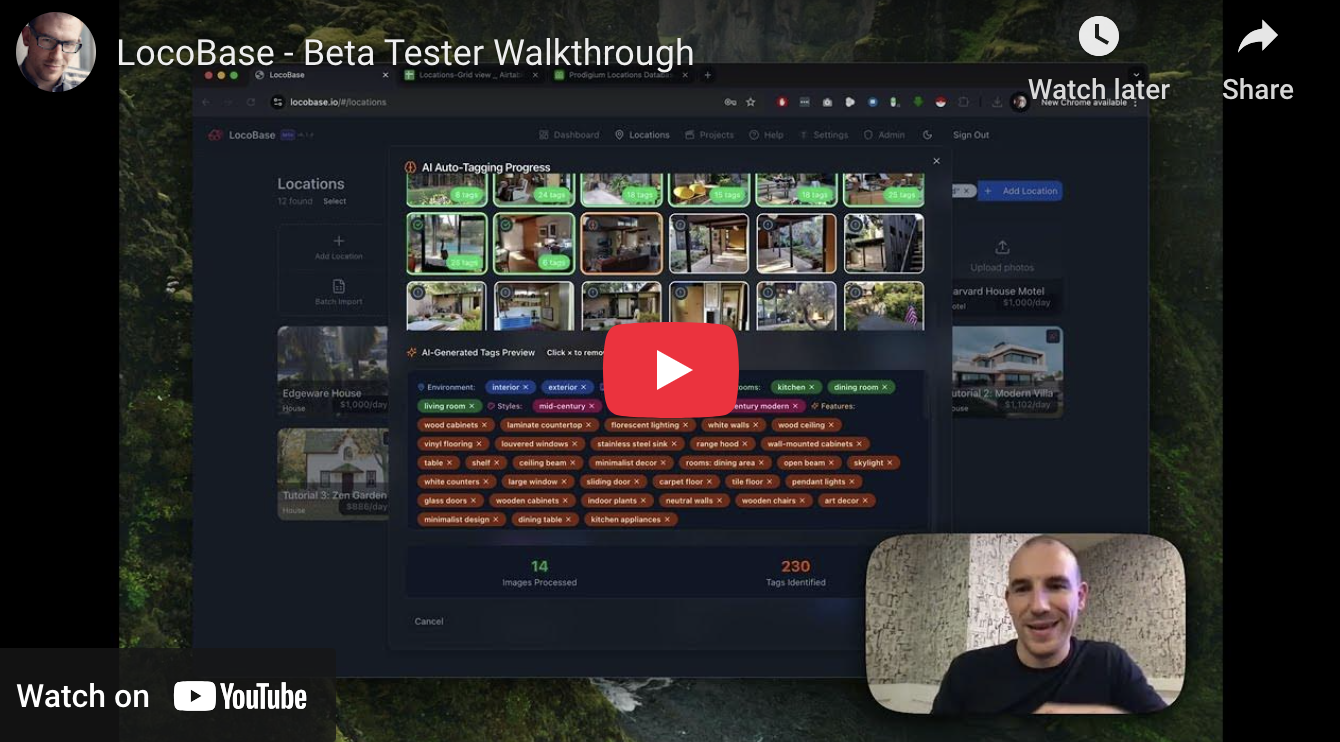
Covers auto-tagging, the locations library, projects, and sharing. It was recorded during the beta, so a few buttons have moved since and the list view has gained features the video doesn't show. The workflow it walks through is still how the app works.
Chapter Timecodes:
• 00:00 - Login
• 00:24 - Dashboard
• 00:40 - Locations & View Modes
• 02:30 - Projects Overview
• 03:25 - Importing an existing Locations Database
• 05:20 - Smart Mapping of an Import
• 09:20 - Checking the Import Preview
• 11:59 - Checking out Imported Locations
• 13:26 - Enriching a Location with Smart Tagging
• 14:58 - Cleaning 500+ Auto-Tags
• 16:00 - Building a Project
• 17:05 - Sharing a Location
• 17:27 - Importing of Projects
• 18:28 - Commenting on Shared Projects
• 19:00 - Driving Directions to Location
• 19:38 - Sharing Locations Directly
• 21:00 - Archiving, Restoring & Deleting Locations
• 21:30 - Tutorial Locations