
Everything a locations department tracks, in one app
Scout a place, file it under the script, mark it on the shooting calendar, plan the scout day, share it with the director. Each part below is a working demo you can click through.
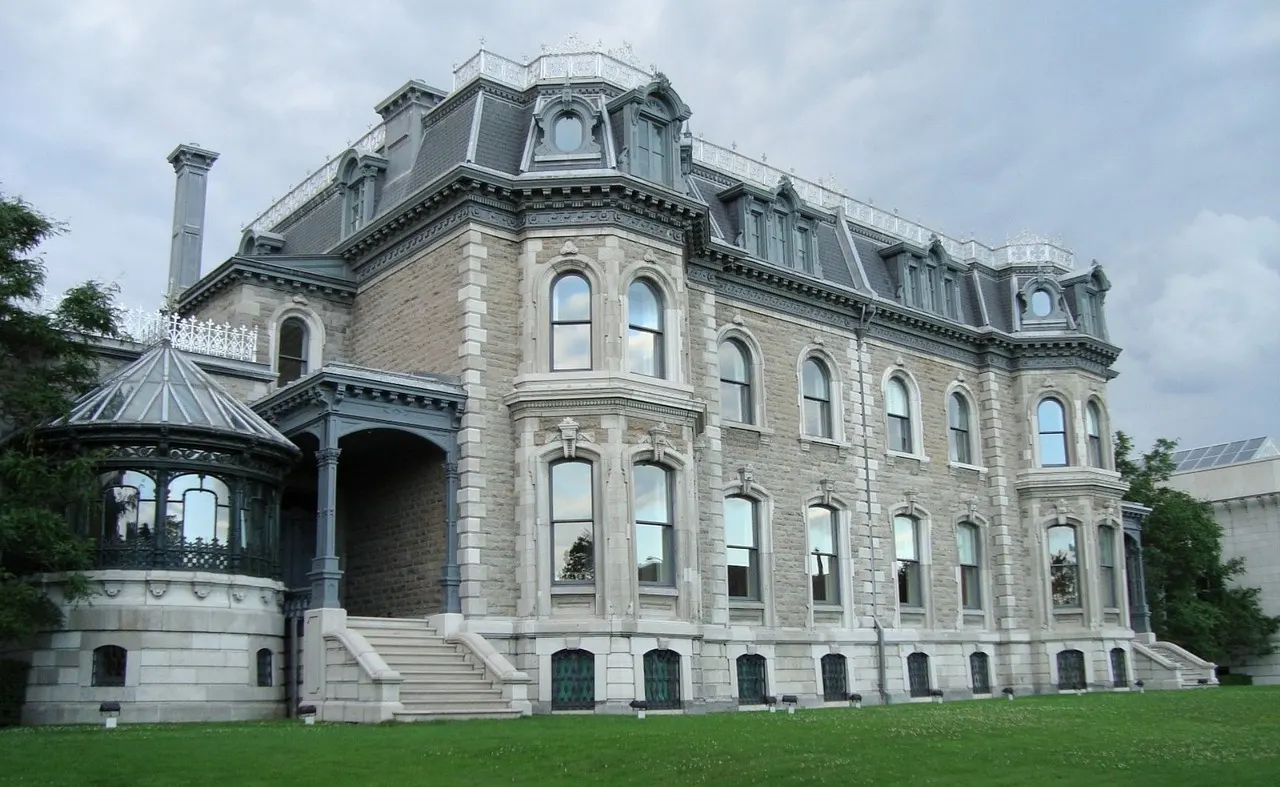
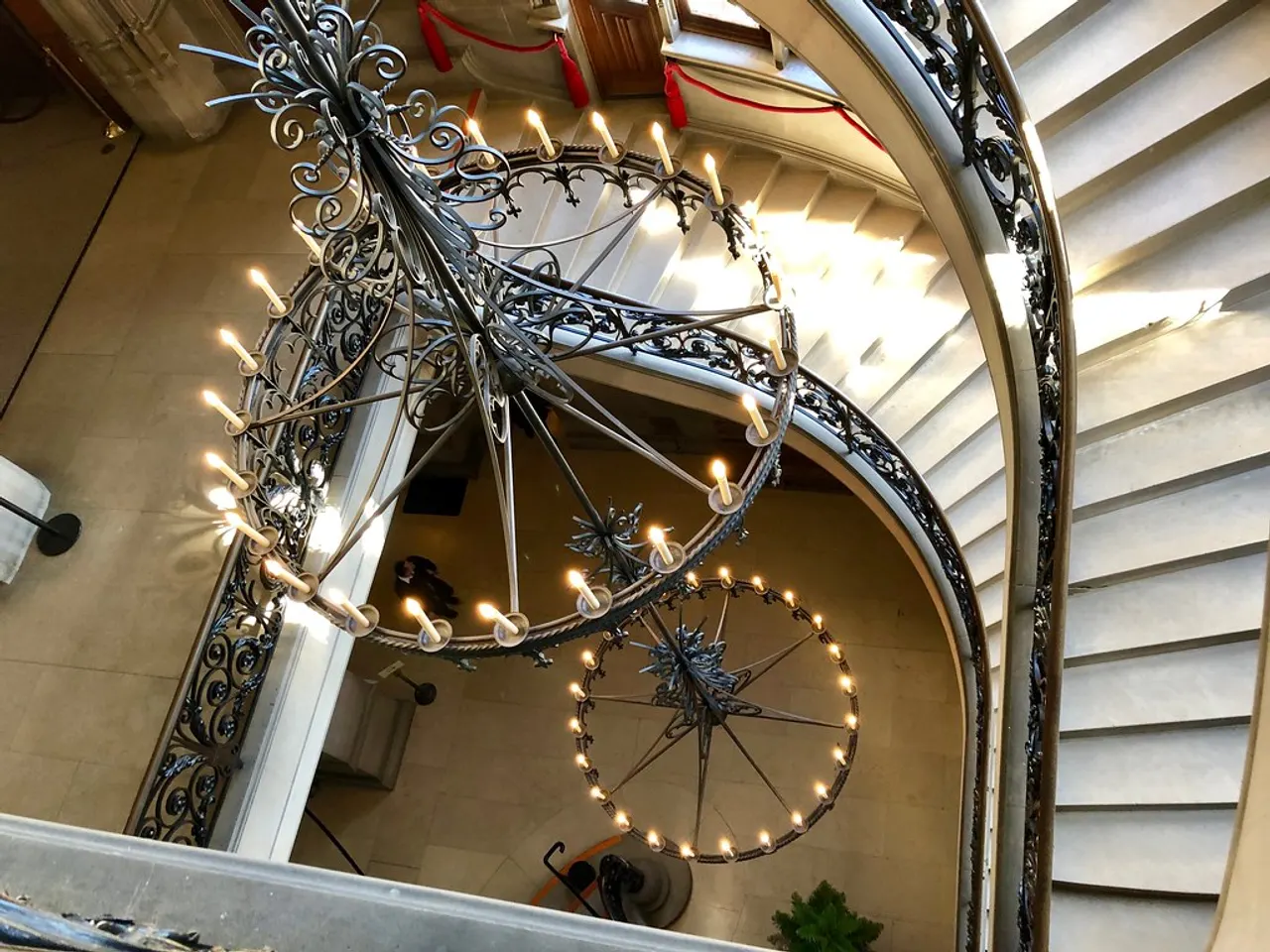
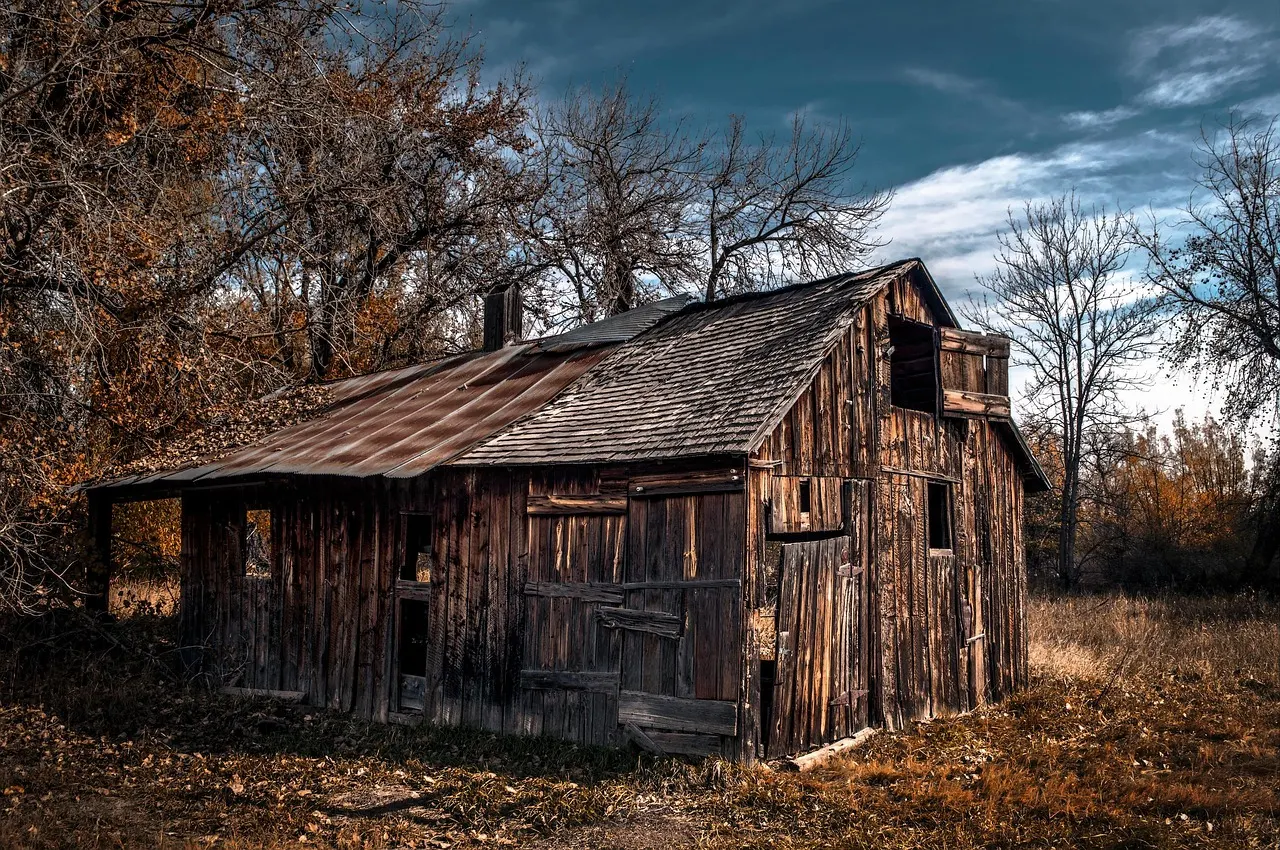
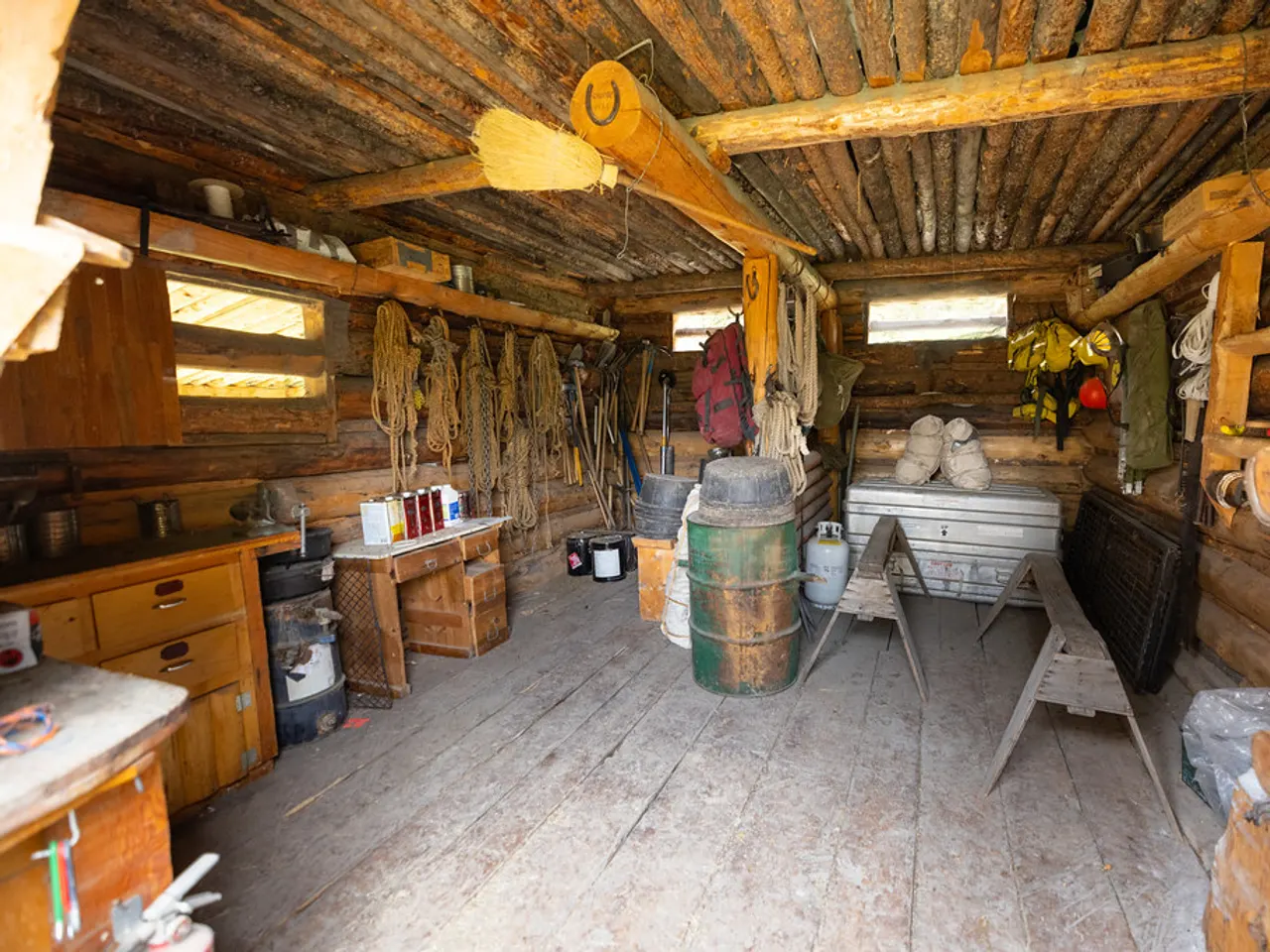

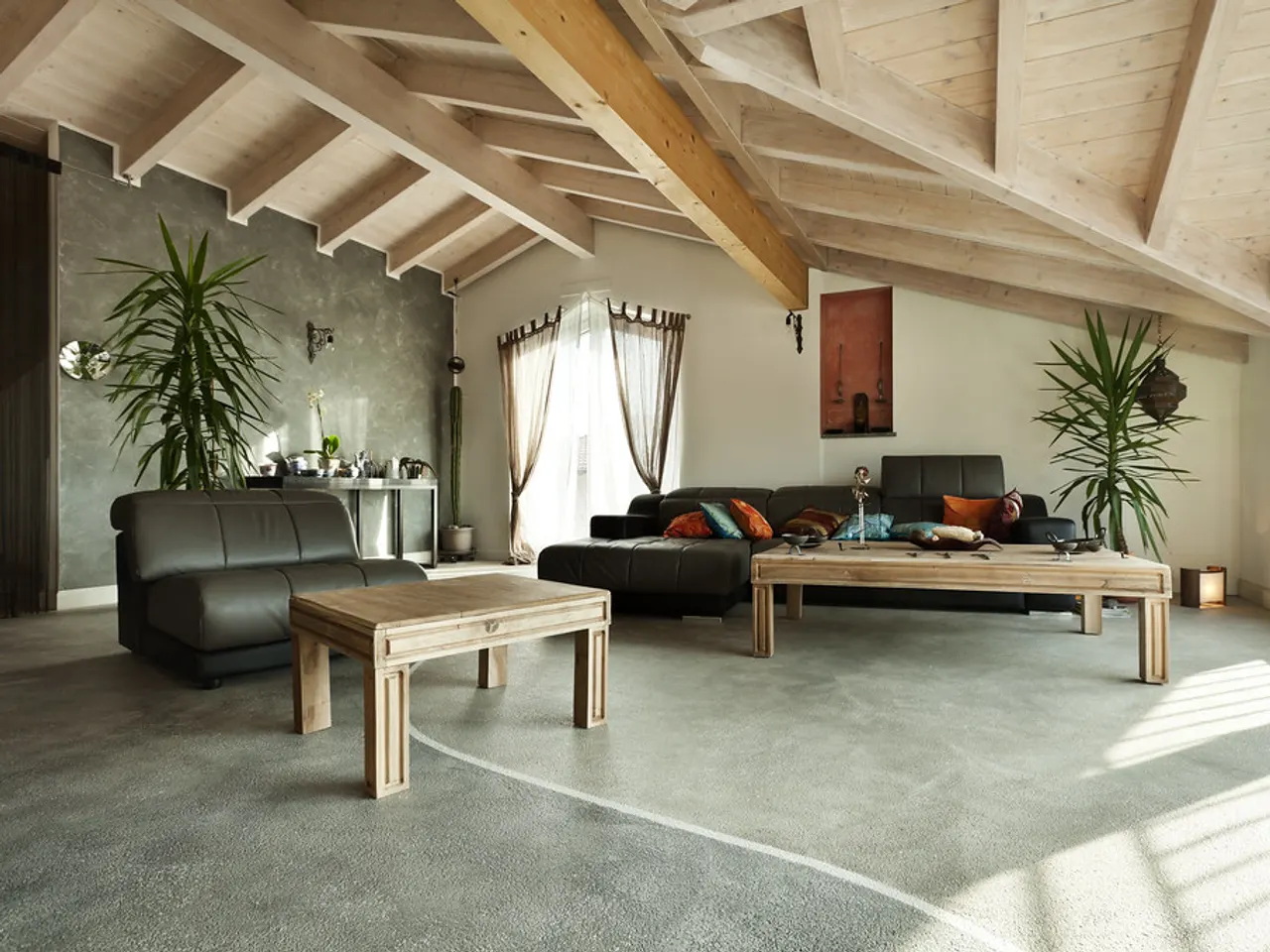
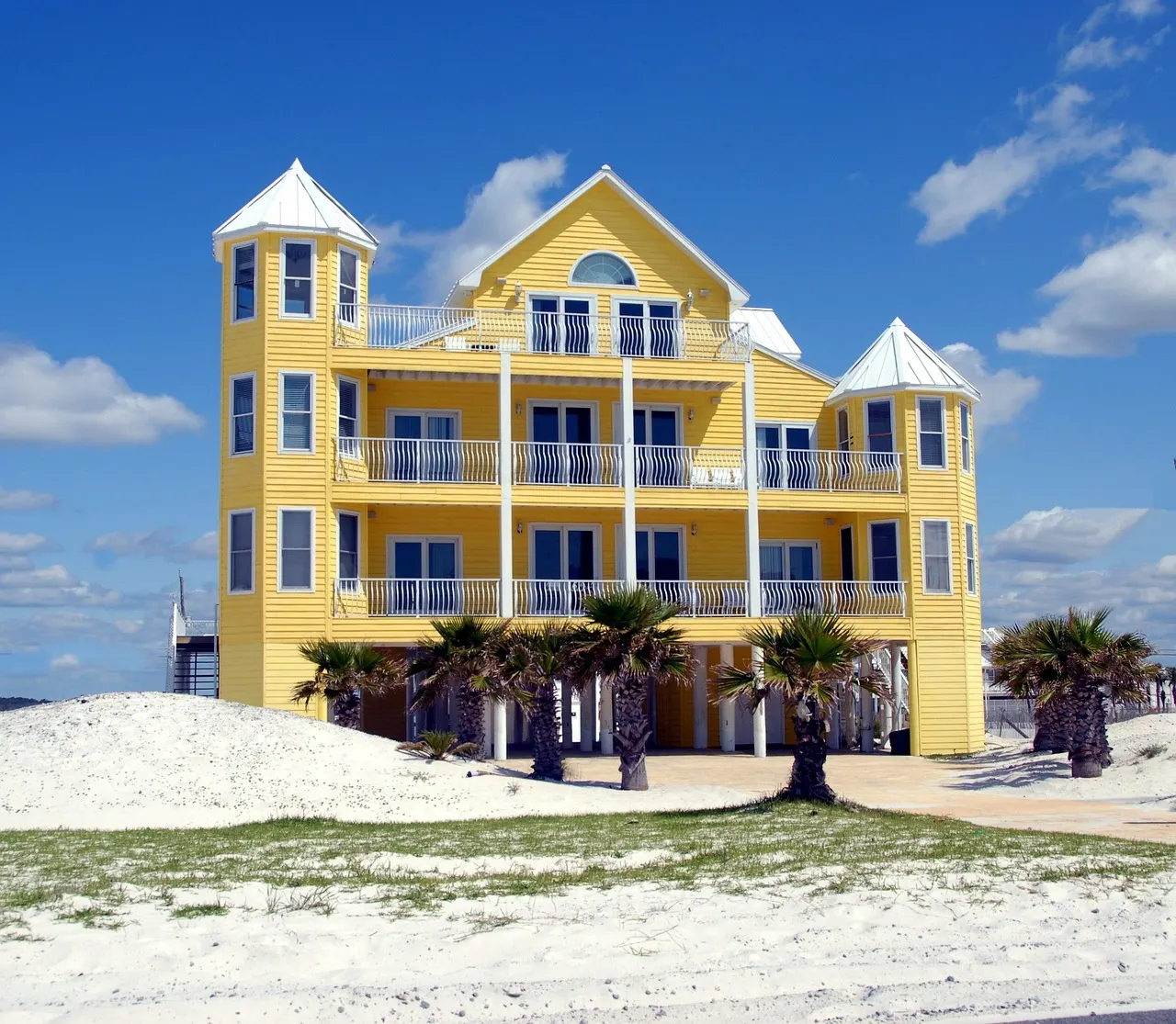
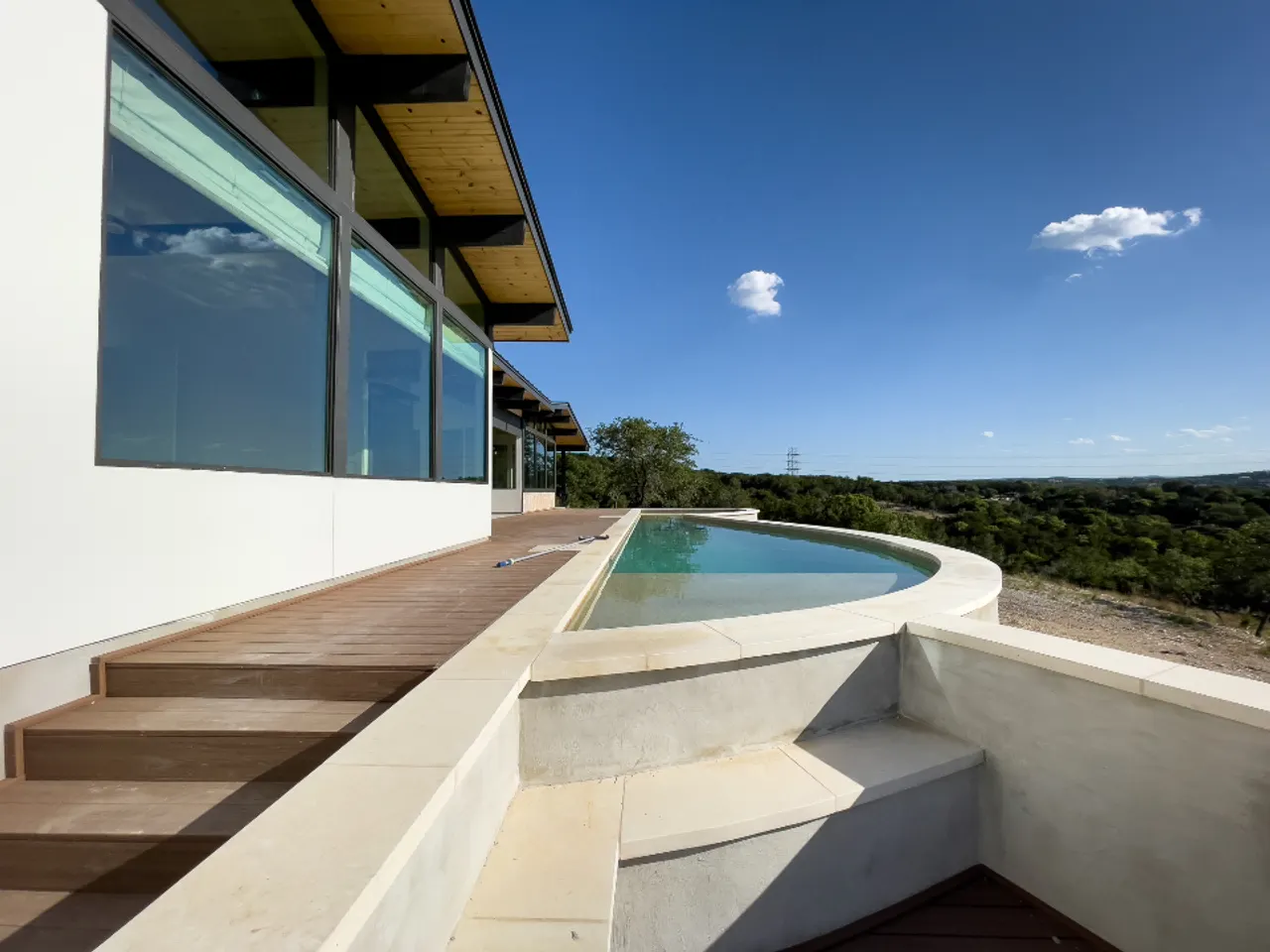
Search your locations by what is in the photos
Every location you have scouted, tagged from its photos, searchable with typos, filtered by what the scene needs.
AI tags from the photos
Style, environment and features, each with a confidence score. Strike the ones it got wrong. Three or four photos per location is usually enough.
Search that tolerates typos
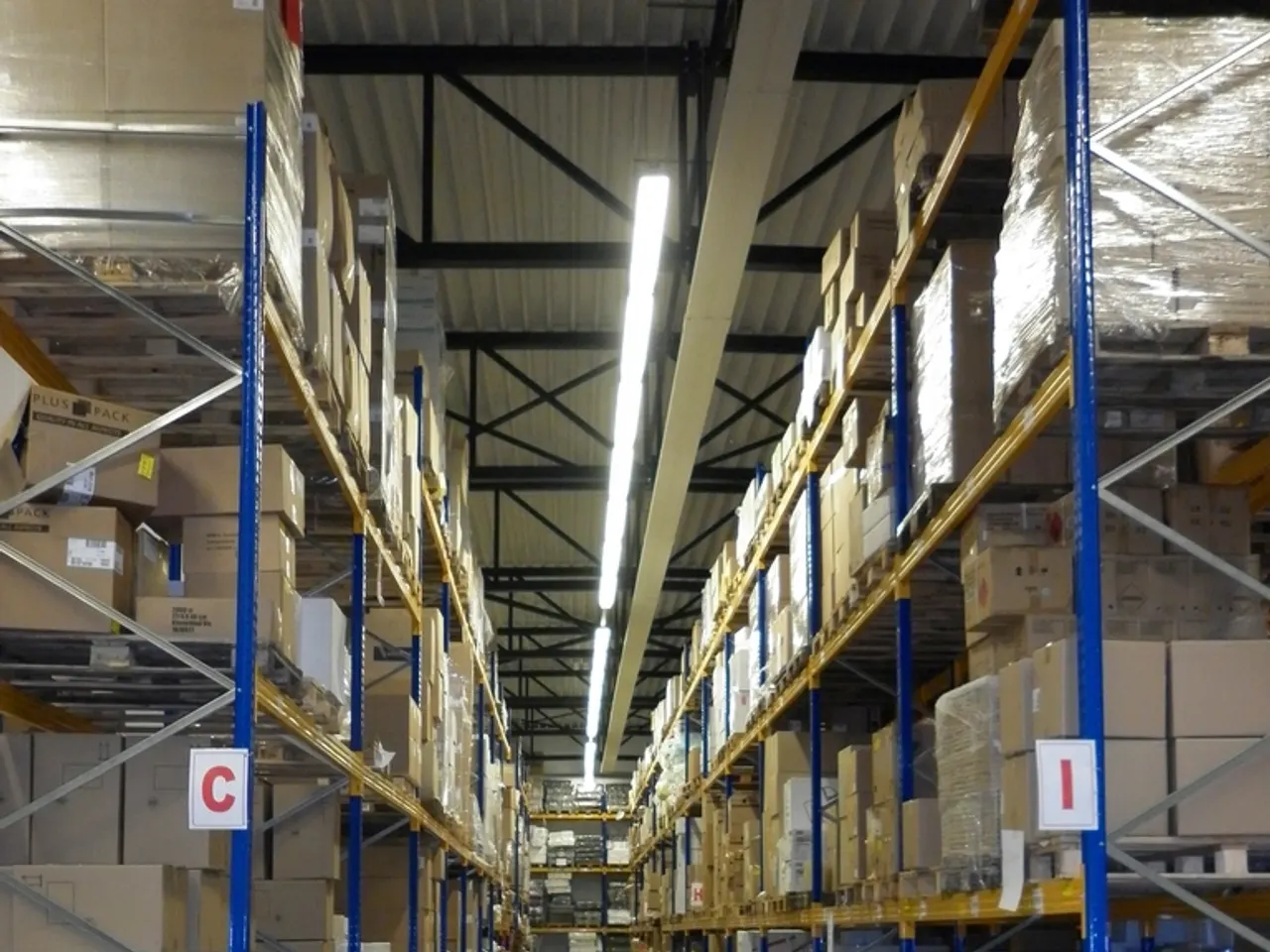
"warehous" finds the warehouse. Names, cities, addresses and tags are all searched, and one word in three can be misspelt.
Filters that stack
INT/EXT, category, features and rate. Combine them until the list is down to the one you meant.
Script locations, with the options filed under each
Scout picks and final selects on every option, four views of the same list, and the show's title in its own typeface.
Options under script locations
Folders by act or episode, script locations inside, options numbered 1A, 1B, 1C. The number is the same on the map, the worksheet and the share.
Scout list and final select
Binoculars put an option on the scout list, the star makes it the final. Flags belong to this project, so the same house can be final here and a maybe elsewhere.
Cards, gallery, list, map
Cards to shortlist, the list for rates and drive times, the gallery for photos, the map for geography. Same options and flags in every view.
Mark the calendar once, read it as a DOOD
Shoot, prep and wrap days for every location, read day by day, with locking, permits and logistics on the same rows.
Mark the days
Click a cell for Shoot, Prep or Wrap, or drag across a run. SW, W and WF follow the run the way they do on a DOOD.
Read it day by day
Day banners regroup the same marks by shoot day. Days with the same locations merge into one block, like the spreadsheet used to.
Prep is not a location
"3 locations" means three places the camera turns over. Prep and wrap hang under the band with a P or a W.
Every option on one map, numbered like the script
A green star on each final, a ringed count where options share an address, holding and unit parking beside the set.
Pins carry the script number
1A on the pin. Green star for a final, blue ring for a scout pick, plain for neither yet.
Stacks at one address
Three options in one building draw as a ringed count. Click to list them, zoom to separate.
One scene at a time
Only, beside a script location, shows just its options. Show All, Scout or Final is remembered for the map on its own.
Scout days in driving order, timed on real roads
Stops in driving order, a pinned appointment that holds, lunch and office stops, printed or emailed.
Set the start, everything follows
Every arrival counts forward from Start Time. Change it and the whole day moves.
Stops that are not locations
Lunch, the permit office, a coffee, the van pick-up. Same venue standing in for two scenes? Add it twice.
Pin what cannot move
Click a time to pin it. It wears a padlock and holds while the stops around it re-time.
Walkthrough video on every location
Compressed on your phone, played in the browser, never served from a public address.
Compressed before it uploads
Anything over 40 MB is re-encoded on your phone first, to about a tenth of the size, so it goes up on one bar.
Plays in the browser
Press play. Nothing to download, no app, no account on a public link.
Same strip as the photos
A thumbnail with a play mark, in the gallery and in the share. No separate video tab to go looking for.
SmugMug and spreadsheets in, Excel out
SmugMug in the background, spreadsheets with the columns matched for you, a listing link pasted, Excel out.
SmugMug, whole galleries
A background import walks the tree, keeps your folders and spots duplicates. Close the tab; it resumes where it stopped.
Spreadsheets, columns matched
Drop the CSV. Every column is matched to a field with a score, one jumbled tag column is split into rooms, features and styles, and you check the preview first.
A listing link
Paste a Giggster, Peerspace or venue page. Name, address, photos and description come in as a location.
Smaller features
Join the waitlist
Productions come in a few at a time so each one gets looked after. Say you are mid-prep and we move you up.