
Script locations, with the options filed under each
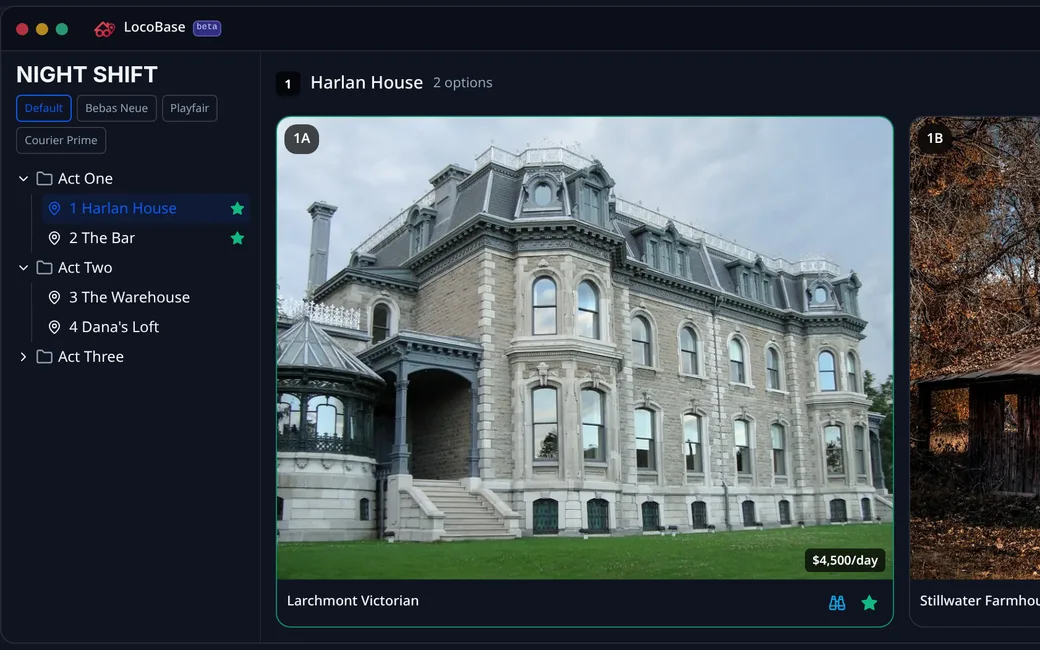
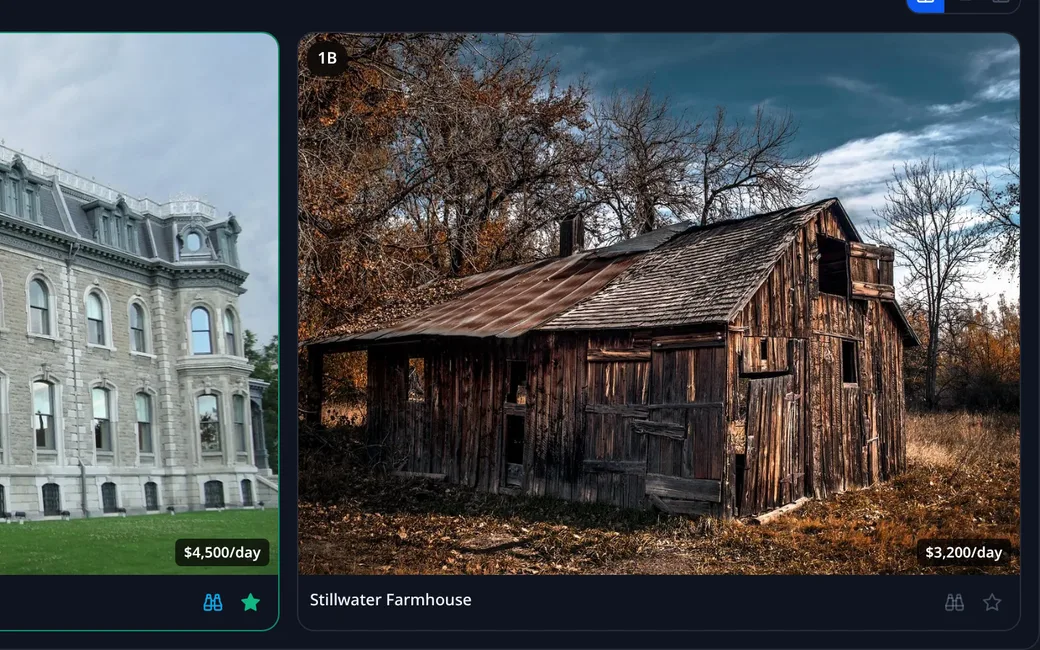
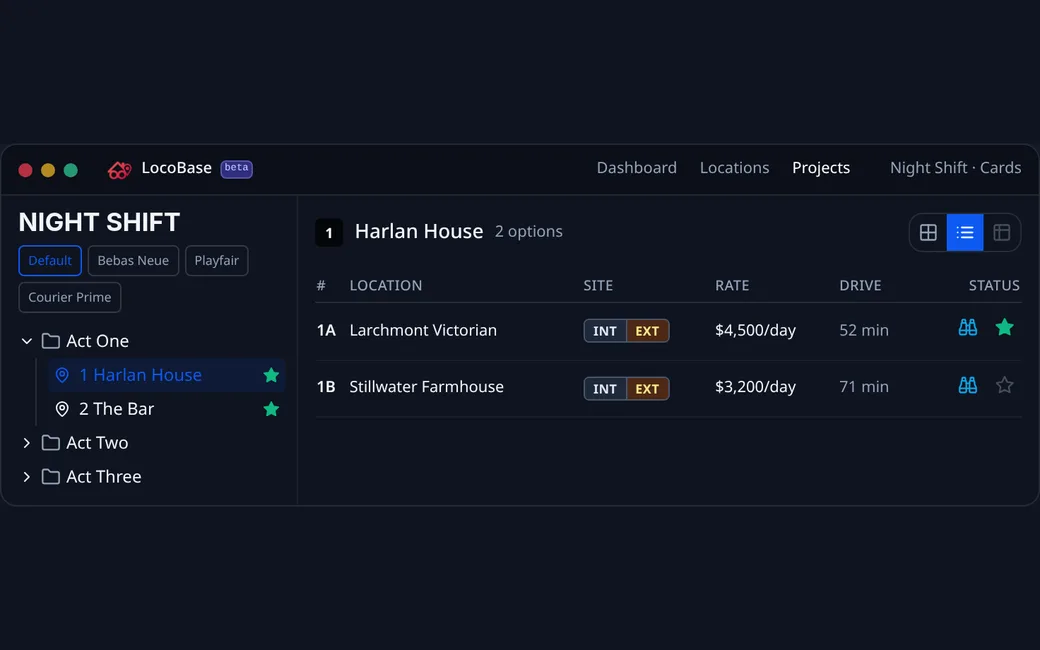
Folders by act or episode, script locations inside them, and the options under each numbered 1A, 1B, 1C. Four views of the same list: cards, gallery, list and map.
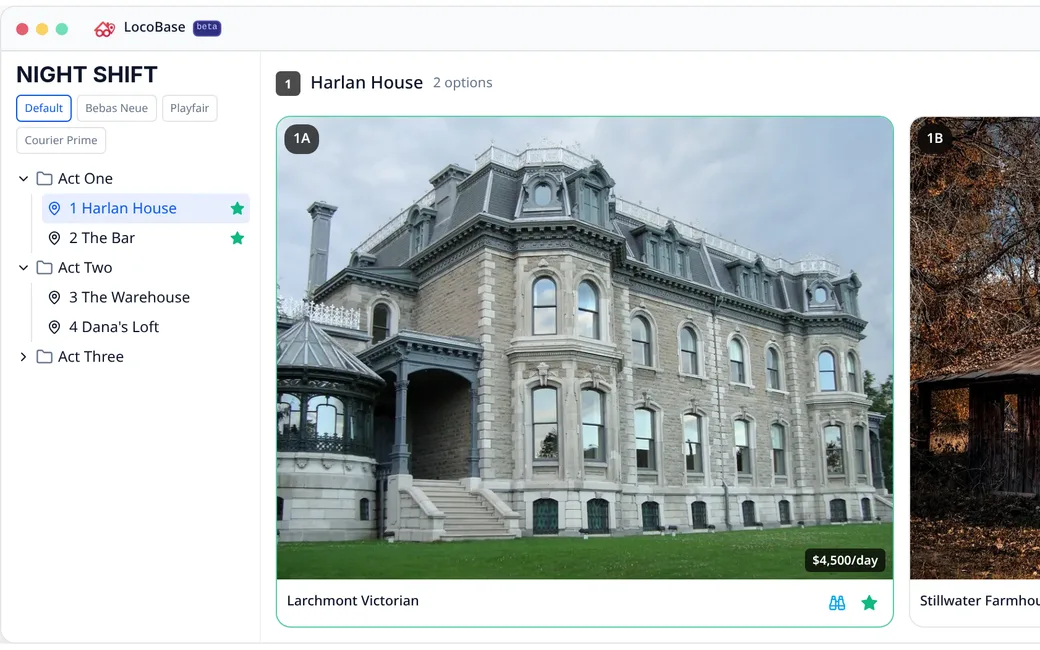
01Options under script locations
Folders by act or episode, script locations inside, options numbered 1A, 1B, 1C. The number is the same on the map, the worksheet and the share.
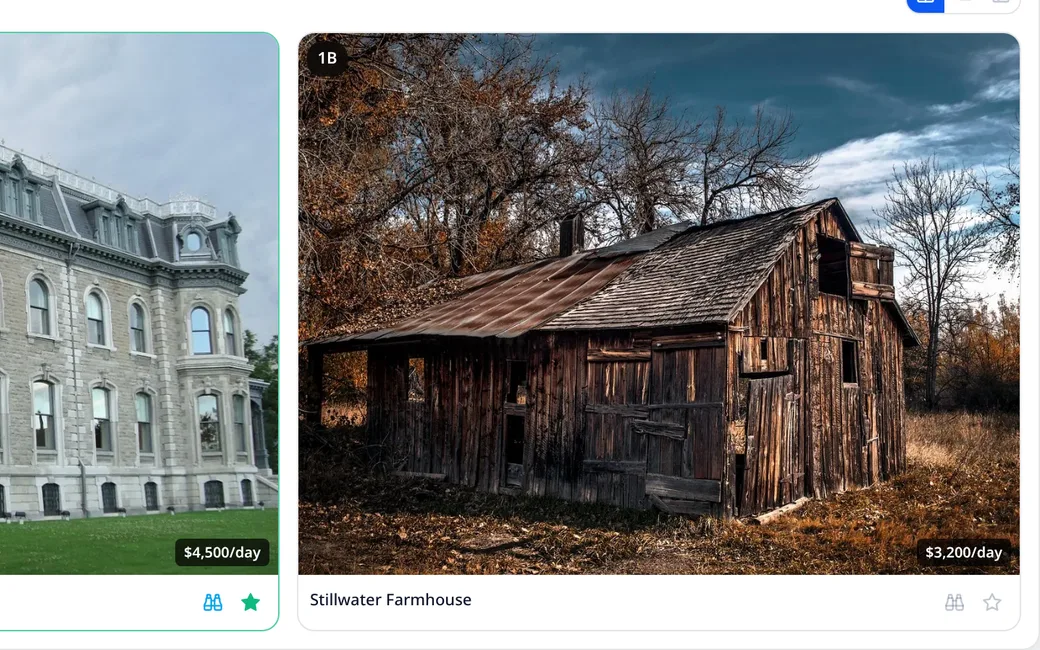
02Scout list and final select
Binoculars put an option on the scout list, the star makes it the final. Flags belong to this project, so the same house can be final here and a maybe elsewhere.
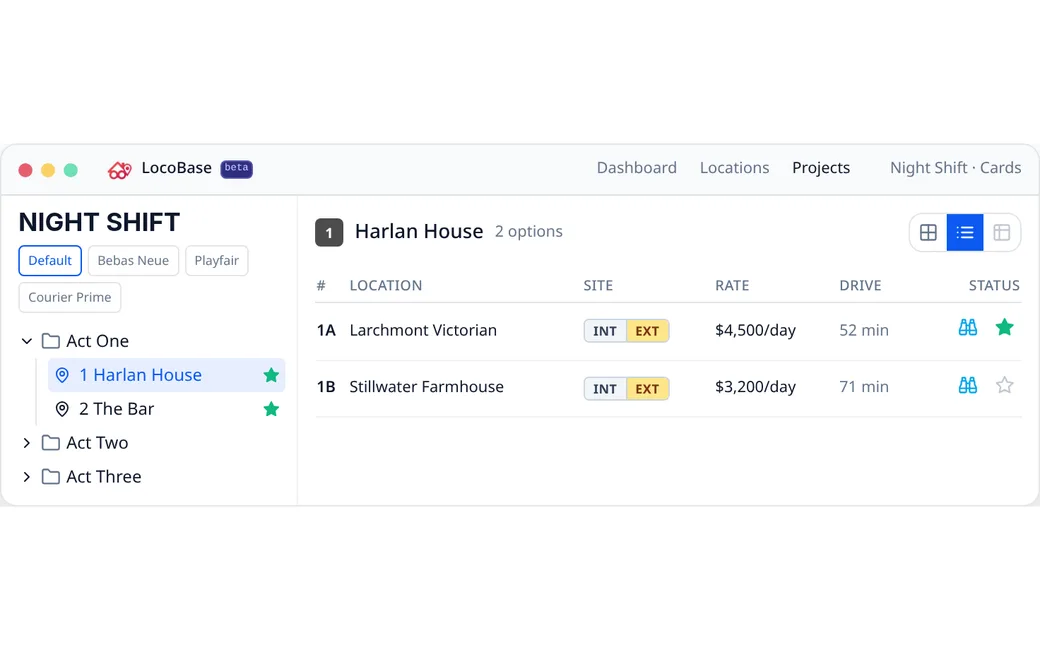
03Cards, gallery, list, map
Cards to shortlist, the list for rates and drive times, the gallery for photos, the map for geography. Same options and flags in every view.
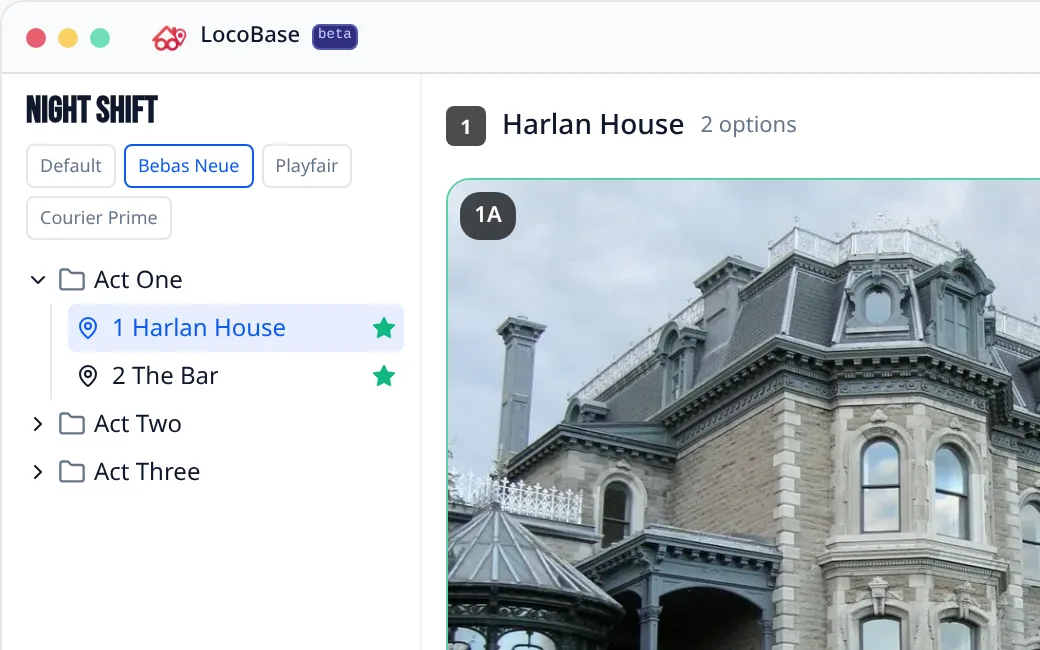
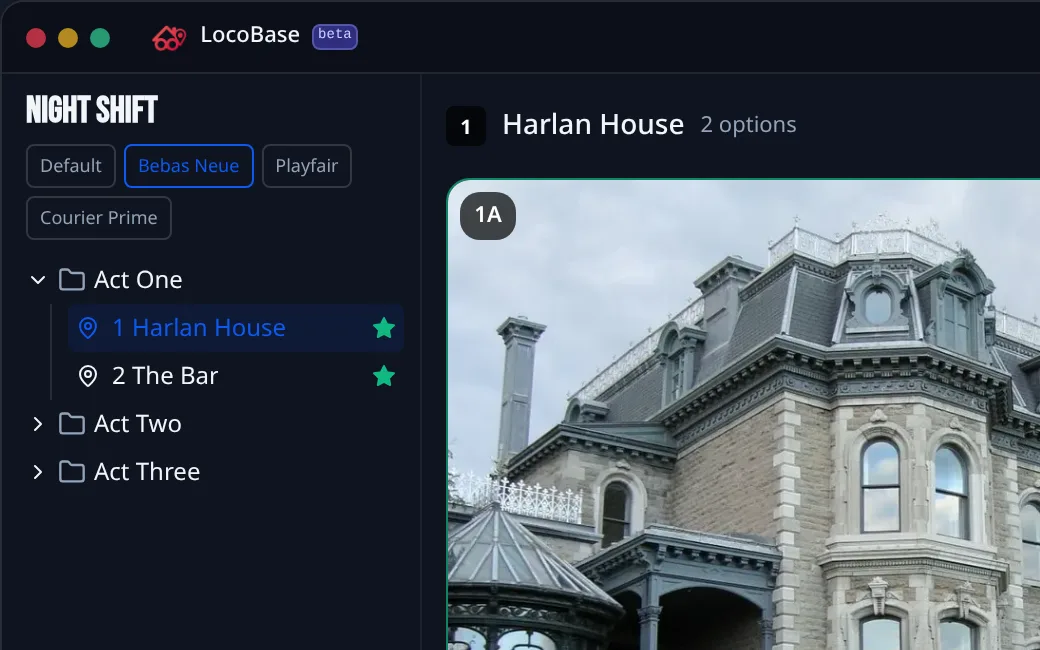
04The title in the show's typeface
Pick a face from the font list, then size, colour and weight. The title looks the same on the project, the share and the printed sheet.
Join the waitlist
We let productions in a few at a time. If you are in prep now, say so and we move you up.