
This covers the mechanics of a link once you have sent it. For who sees what, which is decided by the role you pick when creating the share, see Share Projects with Your Team.
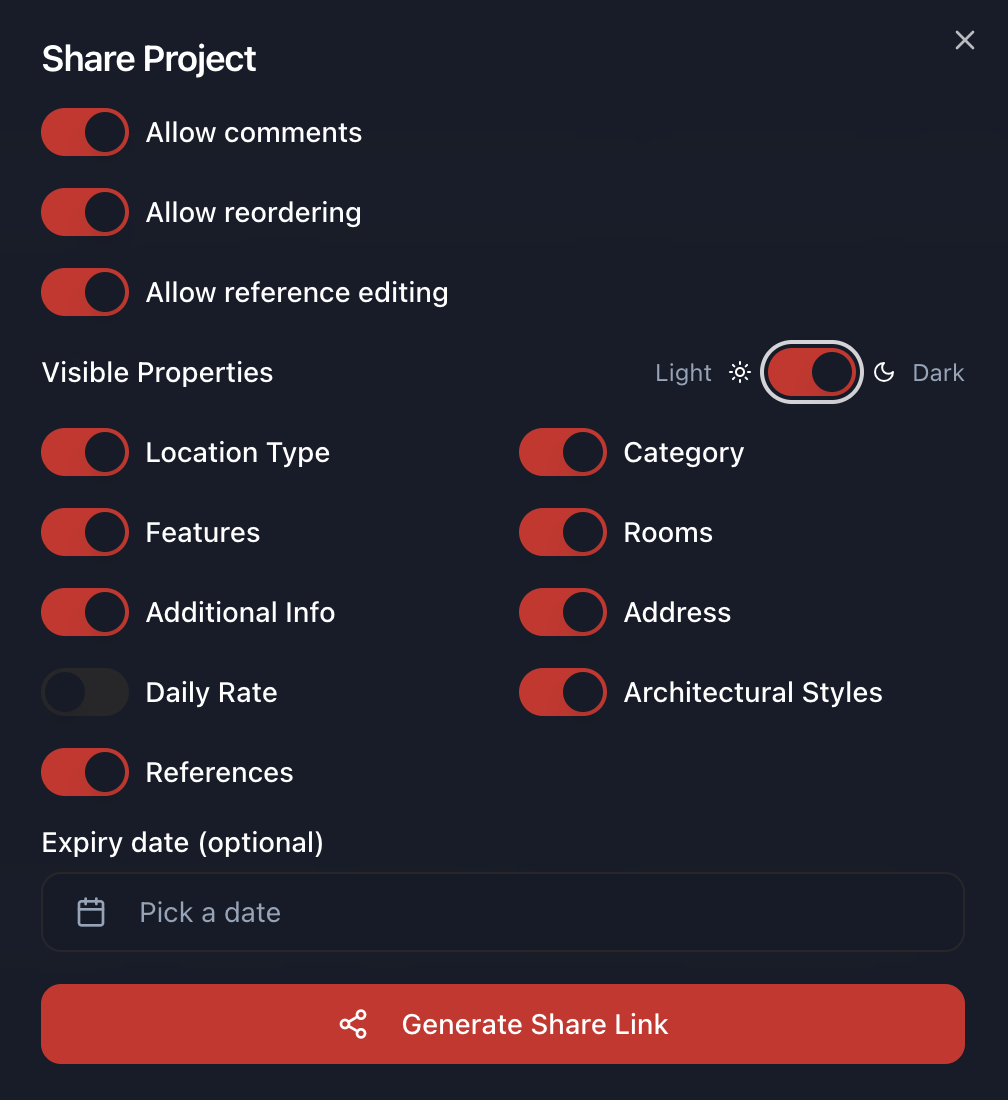
Recipients do not need an account
A share link opens the project for whoever holds it. A director can look at a shortlist on their phone without signing up, which is the point: the number of people willing to create an account to look at your work is smaller than the number who need to look at it.
The consequence is worth stating plainly. Anyone the link gets forwarded to also gets in, at the same role, until it expires or you revoke it. Treat a link like a document you emailed, not like a password.
Expiry
Set an expiry when you create the share. It is optional, and it is the most useful control here, because a link with no expiry stays live until somebody remembers to go back and kill it, which is not a thing that happens.
For a client or an outside collaborator, set a date. For a project you are actively running with your own team, leaving it open is reasonable.
Theme
You can choose whether recipients see the project in light or dark, and the dialog previews it. This is presentation only and changes nothing about access. It is worth a thought when you are sending a set of night exteriors, which read better on dark.
Revoking
Each share is revoked on its own. Killing a producer's link leaves the director's working, and removing one person does not mean reissuing anything to anyone else.
Roles can be changed after the fact without reissuing the link either, so moving someone from Creative Team to Production Team does not require sending a new URL.
As the project owner you see every share on your project, including ones a collaborator created.
Who else can share your project
Collaborators can re-share, within limits:
- You, as owner, can grant any of the three roles
- A Locations Team collaborator can also grant any of them
- A Production Team collaborator can only grant Creative Team
So access cannot be escalated by being passed along. Someone who can see rates cannot hand out a link that shows owner contacts.
What you can see afterwards
You can see whether an invited person accepted, and you can read any comments they left.
There is no view tracking. A link that was opened and a link that was ignored look identical from your side, so silence is not information. If a decision is waiting on someone, chase it the way you would have anyway.